EN | USD
Sign In
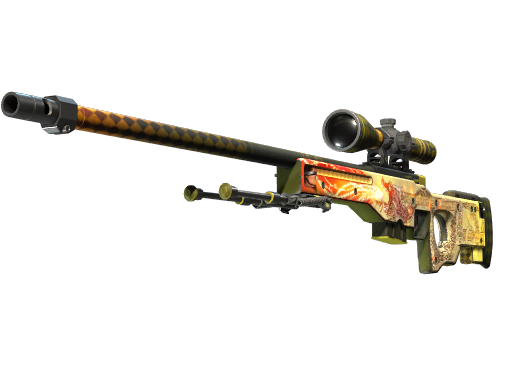
Dragon Lore
AMOUNT:
200+
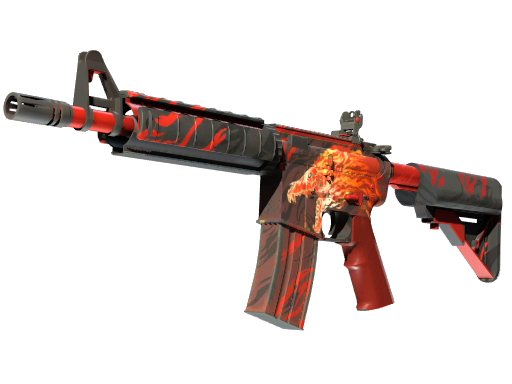
M4A4 | Howl
AMOUNT:
200+
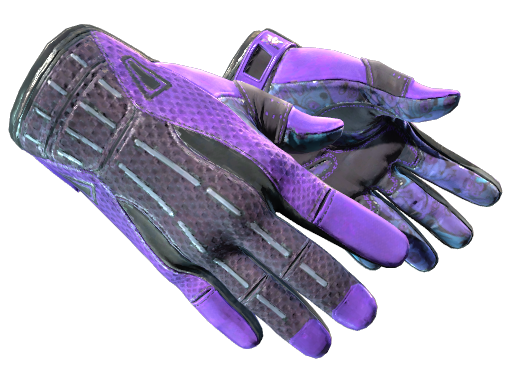
Pandora's Box
AMOUNT:
400+
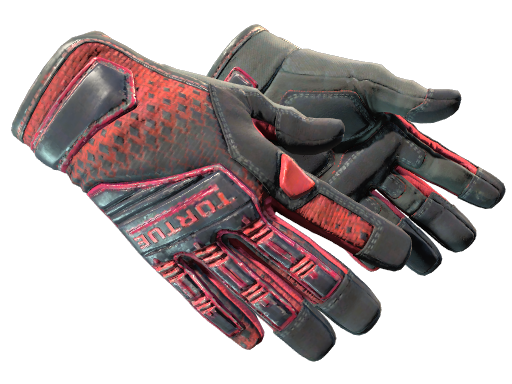
Crimson Kimono
AMOUNT:
800+
Hedge Maze
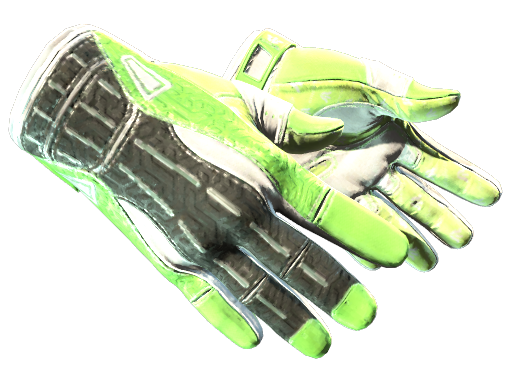
AMOUNT:
500+
Dragon Lore
AMOUNT:
200+
M4A4 | Howl
AMOUNT:
200+
Pandora's Box
AMOUNT:
400+
Crimson Kimono
AMOUNT:
800+
Hedge Maze
AMOUNT:
500+
Wild Lotus
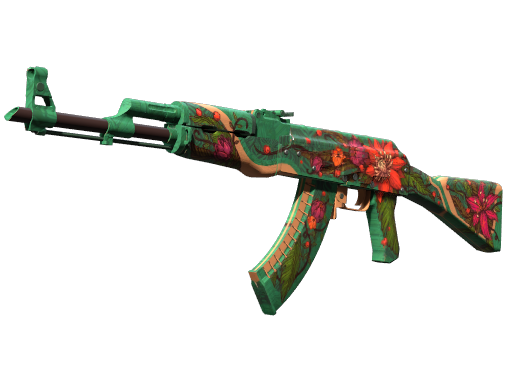
AMOUNT:
300+
Vice
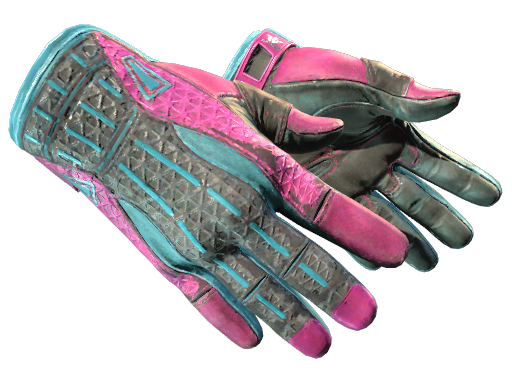
AMOUNT:
4000+
Hydroponic
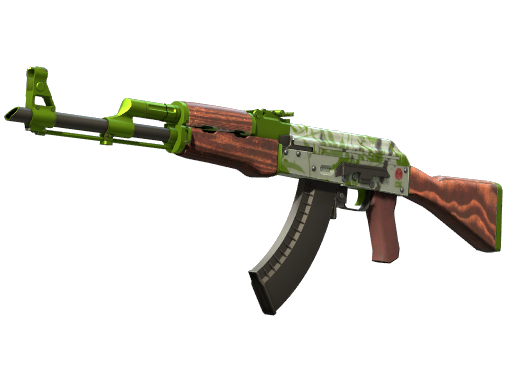
AMOUNT:
500+
Gungnir
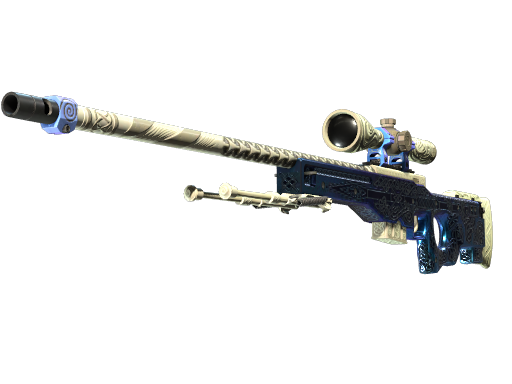
AMOUNT:
200+
Doppler
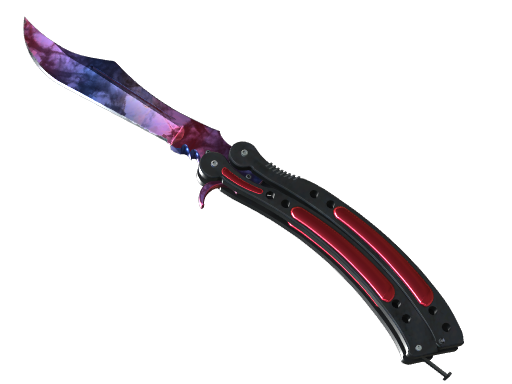
AMOUNT:
5000+
Wild Lotus
AMOUNT:
300+
Vice
AMOUNT:
4000+
Hydroponic
AMOUNT:
500+
Gungnir
AMOUNT:
200+
Doppler
AMOUNT:
5000+
Doppler
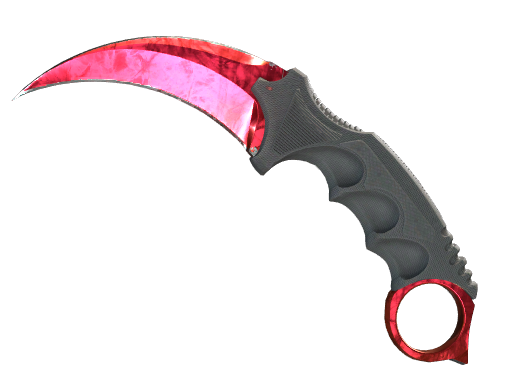
AMOUNT:
5000+
Doppler
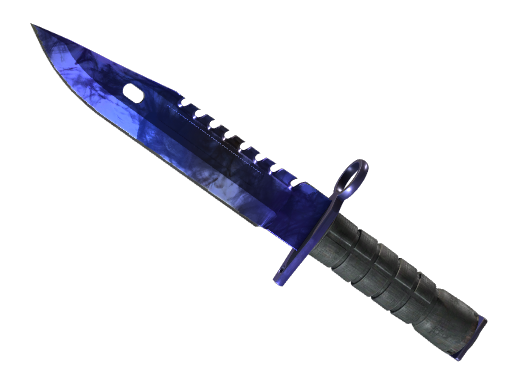
AMOUNT:
8000+
Superconductor
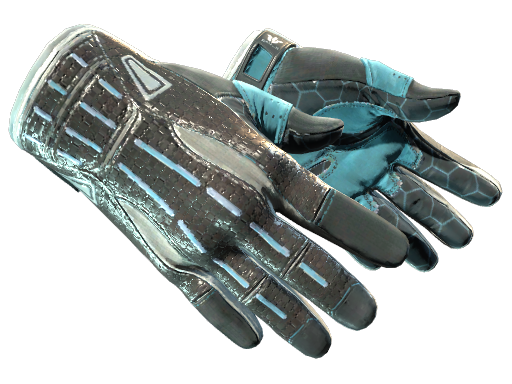
AMOUNT:
400+
Redline
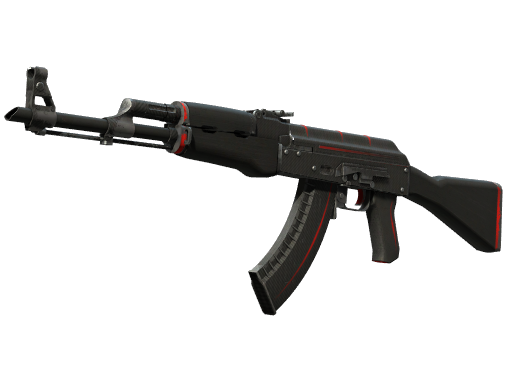
AMOUNT:
10000+
Blaze
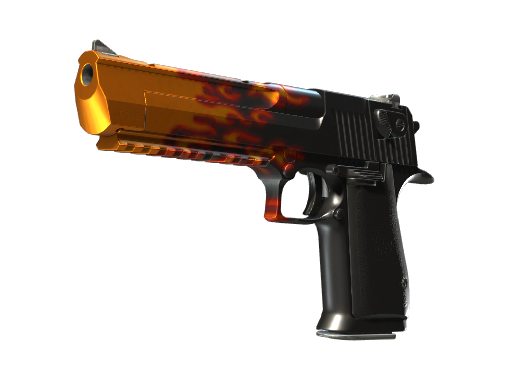
AMOUNT:
600+
Doppler
AMOUNT:
5000+
Doppler
AMOUNT:
8000+
Superconductor
AMOUNT:
400+
Redline
AMOUNT:
10000+
Blaze
AMOUNT:
600+

HOT SKINS
Fast Trading Process
1
Choose Your Items
Browse and select skins in WOW Skins
2
Notify Seller
Seller receives your purchase notification and is informed to send trade offer.
3
Trade Offer Sent
Seller responds by sending you a trade offer on Steam.
4
Confirm Your Trade
Review and accept the trade offer to proceed.
FAQ
Can't find the answer here? Visit our Full Documentation.
Yes! Unlike the Steam Community Market, WOW Skins allows you to withdraw any sales proceeds directly to your debit card.
Typically, WOW Skins sellers will send the item within 1 hour.
Once you purchase an item, WOW Skins notifies the seller to "accept" the offer.
If the seller doesn't accept the offer within 30 minutes, you can cancel the order.
If the seller fails to send the item within the specified time, the transaction will be automatically canceled and the balance will be refunded to your account.
Go to "Withdraw" page.Enter withdrawal amount and withdrawal method.Enter your withdrawal bank card or account in the payment gateway.Confirm withdrawal in payment gateway.Wait for payment gateway and bank to process withdrawal.
Selected Items[ 0 ]
Your shopping cart is empty, please browse the items and add them.
Expired Items[ 0 ]
The following items are no longer available for purchase.
Are you sure